
Searching the Pitt County Court Docket
A Pitt County court docket search has a clear starting point. Begin at the North Carolina eCourts Portal. Its Smart Search pulls public Case Summary information. Pitt must be chosen as the location or set as an advanced filter. Treat the Portal as a reference tool. It is not the office that certifies a record. Beyond docket lookups, it covers current hearings, judgment-index results, and eligible criminal or infraction payments. Need an official copy? Turn next to the Pitt County Clerk of Superior Court. The same goes when a public result comes up empty or a file needs real inspection.
The best case lookup starts with the full case number. North Carolina's Enterprise Justice format strings together several parts. These include a two-digit year, case-type letters, a six-digit sequence, and a three-digit county identifier, as in 21CR000003-910. A careful party-name search also works. Portal allows a last-name wildcard after three letters and a first-name wildcard after one letter. Skip the advanced Party Name filter for wildcards, though. Use the default Smart Search entry first, then narrow the results to Pitt.
- Open Portal Smart Search and use a full case number or a precise party name.
- Apply the Pitt location filter before treating a statewide match as a Pitt County court docket.
- Open the Case Summary and identify the court, assignment, parties, Case Events, Hearings, and Dispositions.
- Use Search Hearings for a current setting and confirm an imminent or surprising result with the court office.
- Ask the Pitt Clerk for inspection, a plain copy, or a certified copy when the public screen is not enough.
Pitt County Case Summary Search Fields
Pitt County residents need no separate vendor for a docket search. The state Portal bundles four tools into a single eCourts environment. These are Smart Search, Search Hearings, NC Judgment Search, and Make Payments. Smart Search is the right first stop for a full case history. Search Hearings plays a narrower role. It reports a current calendar location and time. It is not a lasting substitute for the case chronology. Official Portal training materials draw that line. A court date is thus never mistaken for a disposition.
| Portal field | Use | Pitt search note |
|---|---|---|
| Case Number or Party Name | Default Smart Search | One criterion is needed; use the full state case number if known. |
| Location | Advanced filter | Limit broad results to Pitt County. |
| Case type, status, filing date | Case narrowing | Optional filters listed in the official training resources. |
| Judicial officer or courtroom | Search Hearings | Useful for current Pitt calendar settings and calling order. |
The Judicial Branch’s Portal training page describes the search choices used for Pitt cases.
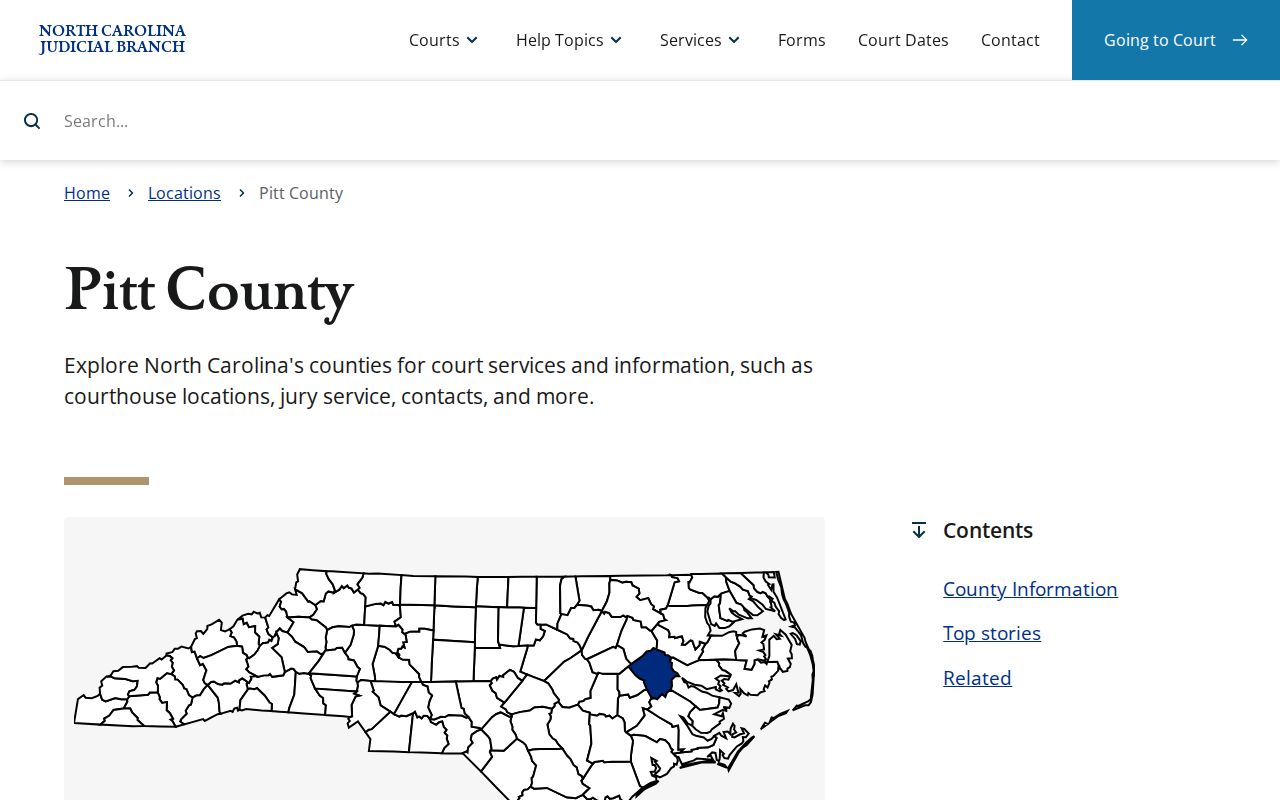
The Pitt County court-services page is the county's starting point for court links and clerk routing.
Inside a Pitt County Court Docket
Pitt County's detailed online docket goes by two names: Case Summary and Register of Actions. Portal calls its dated chronology Case Events. A public result can display several panels where they apply. These include Case Information, Assignment Information, Party Information, Hearings, Dispositions, and Financial Information. Civil, family, probate, and mental-health files may also show Causes of Action. One caution applies here. A panel with no data may simply not appear. Its absence does not prove the case lacks financial or procedural consequence.
| Case number | The state year, type, sequence, and county-code identifier for the Pitt file. |
|---|---|
| Assignment Information | The court or judicial assignment context for the Case Summary. |
| Case Events | The dated Register of Actions entries for filings, notices, and court actions. |
| Hearings | Scheduled or completed settings when the file has hearing data. |
| Disposition | The recorded outcome; it should not be inferred from an earlier event alone. |
| Financial Information | Applicable monetary data when Portal has a panel to display. |
Reading Pitt County Case Events Carefully
A Case Event tells you something was entered in the chronology. That is all it tells you. It does not answer every question about what the court decided. Read the court assignment and case type first. Then work through the dated events, current hearing information, and any disposition. A notice of hearing is not a final result. An entry tied to a motion or filing is not the filed document itself. Nor is it an entered judgment. When the difference matters, the Pitt County Clerk is the right source for the file.
Pitt joined eCourts on April 28, 2025. The Portal FAQ warns about older events converted from the prior system. They can carry a 12:00 AM timestamp. That clock time may be a conversion artifact rather than the true time of the action. Rely on the event date and description instead. Ask the Clerk about the source file when a precise historical sequence is material.
- Case Event
- A dated filing, notice, court action, or other chronological entry.
- Hearing
- A setting shown when Portal has hearing data for the case.
- Disposition
- The recorded resolution or outcome of a claim, charge, or case.
- Certified copy
- A Clerk-authenticated record, not an ordinary Portal printout.
Pitt County Courts and Their Dockets
North Carolina runs a unified General Court of Justice. In Pitt County, one office holds the paper trail. The Clerk of Superior Court keeps the records, files, dockets, and indexes. Coverage runs across both trial divisions. Superior Court serves as the principal trial division. It handles felony trials, major civil litigation, and District Court appeals. District Court takes misdemeanors, infractions, family and juvenile matters, and civil matters generally at or below $25,000. Magistrates are District Court officials who hear small claims and limited criminal matters. They are not a separate local justice court.
| Court | Docket Covers | Where to Search |
|---|---|---|
| Superior Court | Felony trials, major civil matters, and trial-level appeals | Portal, Pitt Clerk, and the applicable court calendar |
| District Court | Misdemeanors, traffic infractions, family, juvenile, and lower-value civil cases | Portal, Pitt Clerk, and the applicable court calendar |
| Magistrate | Small claims up to $10,000 and limited criminal functions | Portal or Clerk terminal; confirm the assigned session with the Clerk |
Pitt County’s Unified Court Route
No Pitt event gets routed to a city criminal court. A misdemeanor or traffic infraction normally belongs in District Court. A felony can begin with District Court activity and later proceed to Superior Court. Civil jurisdiction depends on the type and amount of the claim too. The shared Clerk structure helps here. A searcher never has to guess between a county clerk and a district clerk. Start with the Pitt location and case type. Then follow the assigned division shown in the Case Summary. The Judicial Branch court-structure overview explains the state system that supplies Pitt's trial-court dockets.
The statewide structure explains why the same Pitt Clerk is a record route for both trial divisions.
How to Find Court Dates and Settings
Begin a Pitt County settings search with Search Hearings in Portal. It works by case number, party, business, attorney, judicial officer, or courtroom. It returns the current location and time. The Judicial Branch also links official Pitt civil and criminal calendar pages. An online calendar can change, though. Portal says nothing about virtual or in-person proceedings. An imminent or unexpected setting deserves a direct call to the Clerk or the court office.
A civil setting may involve the Trial Court Administrator's published calendar process. A criminal or traffic setting can shift because of a continuance order. Court closure or cancellation can force rescheduling as well. The full Pitt County Court Dates page sets out the verification ladder. It also explains local calendar terms.
Pitt County Calendars and Court Dockets
A calendar and a Pitt County court docket are not the same tool. One answers what is scheduled soon. The other answers what has already happened. Search Hearings and the county calendars show a current setting. The Case Summary keeps the full case history: Case Events, earlier hearings, and a recorded disposition when the court has entered one. Keep in mind that a setting proves nothing about the outcome. Do not assume anything. If a calendar date conflicts with a later Case Event, look for a continuance, a reset, a dismissal, or a newer notice.
The Pitt civil rules treat the initial and final trial calendars as separate publications. Cases on the final calendar generally run oldest first. Priority and peremptory rules can reorder them, though. District Court adds its own continuance policy. The court file must state the grounds, the source, and any prior continuances. A party's agreement by itself is not automatic good cause. A case can also shift on the docket. The public calendar may lag behind.
Public Access to Court Dockets
Two things shape who can read a Pitt County court docket: state record laws and restrictions tied to the individual case. The Portal works well as a public reference. But it cannot turn every file into a record you can pull from home. The Pitt Clerk keeps the court's records, files, dockets, and indexes. Unless a statute closes a file, those materials are open for inspection during regular office hours. A remote lookup may come back thin. A protective-order category may be blocked for anonymous web users. The courthouse self-service terminal is the fallback that matters.
Key Rules:
G.S. 7A-109 - The Clerk keeps court records, dockets, and indexes and permits inspection unless law provides otherwise.
G.S. 132-1 - North Carolina defines public records and favors access at minimal cost unless another law applies.
G.S. 132-6.2 - Copy costs and qualifying special-service charges may be assessed for record work.
The clerk-record statute is the direct legal anchor for Pitt docket custody.
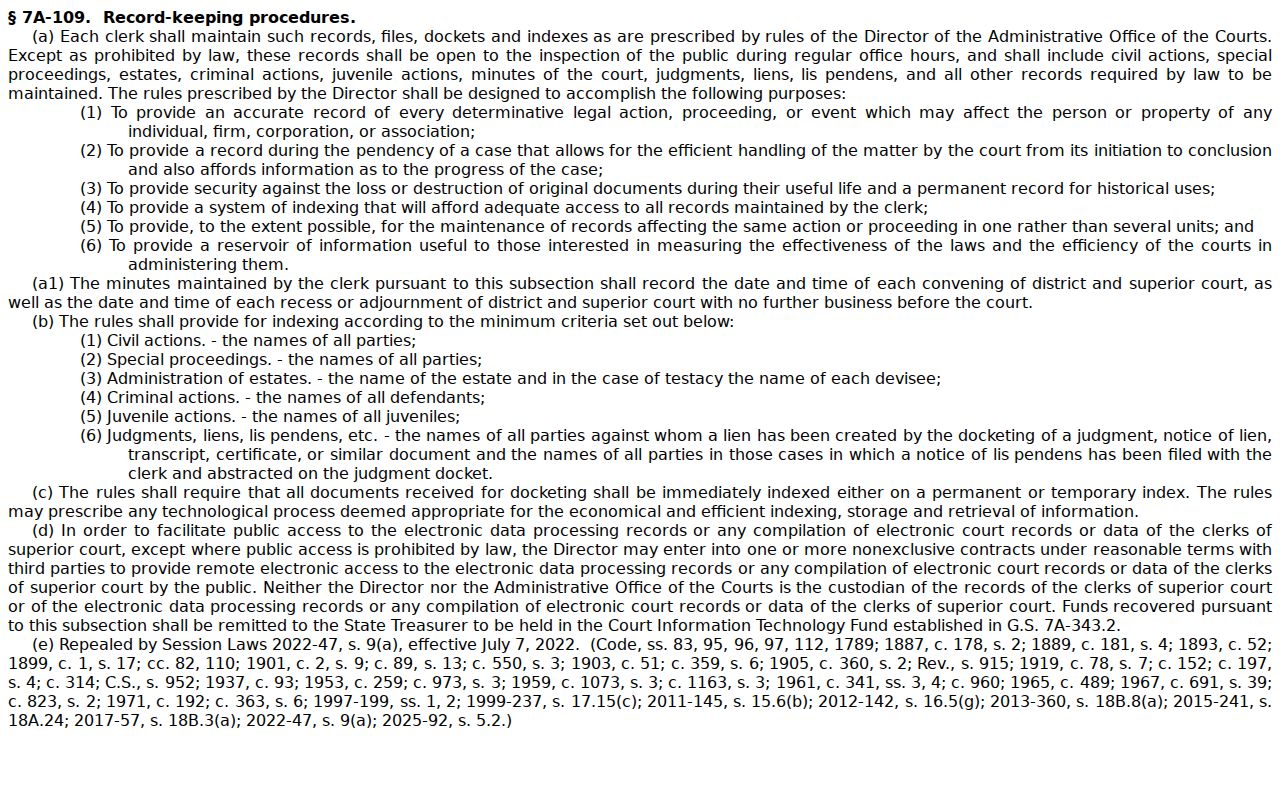
The statute keeps the Clerk answerable for Pitt court records and sets the rules for inspecting them.
Restricted Pitt County Court Dockets
An empty result does not mean a Pitt court file never existed. Some records are closed by law. Juvenile records stay out of ordinary public inspection under G.S. 7B-3000. Expunged records kept by clerks are confidential under G.S. 15A-151. The Portal FAQ adds two more limits for anonymous web users. One is unreturned criminal warrants. The other is remotely restricted protective-order matters. Registering an account is optional for ordinary public searches, but it still will not unlock restricted material.
A public file may look thin online. Work the access chain instead of guessing: Portal first, then the Pitt courthouse kiosk, then the Pitt Clerk. A clerk's counter cannot override a juvenile, sealed, or expunged restriction. It is simply the local channel for records that are lawfully open, plus guidance on the correct request route. North Carolina's public-record law sets the general access rule. That official statute page shows how broadly it reaches. The specific confidentiality statutes control the exceptions.
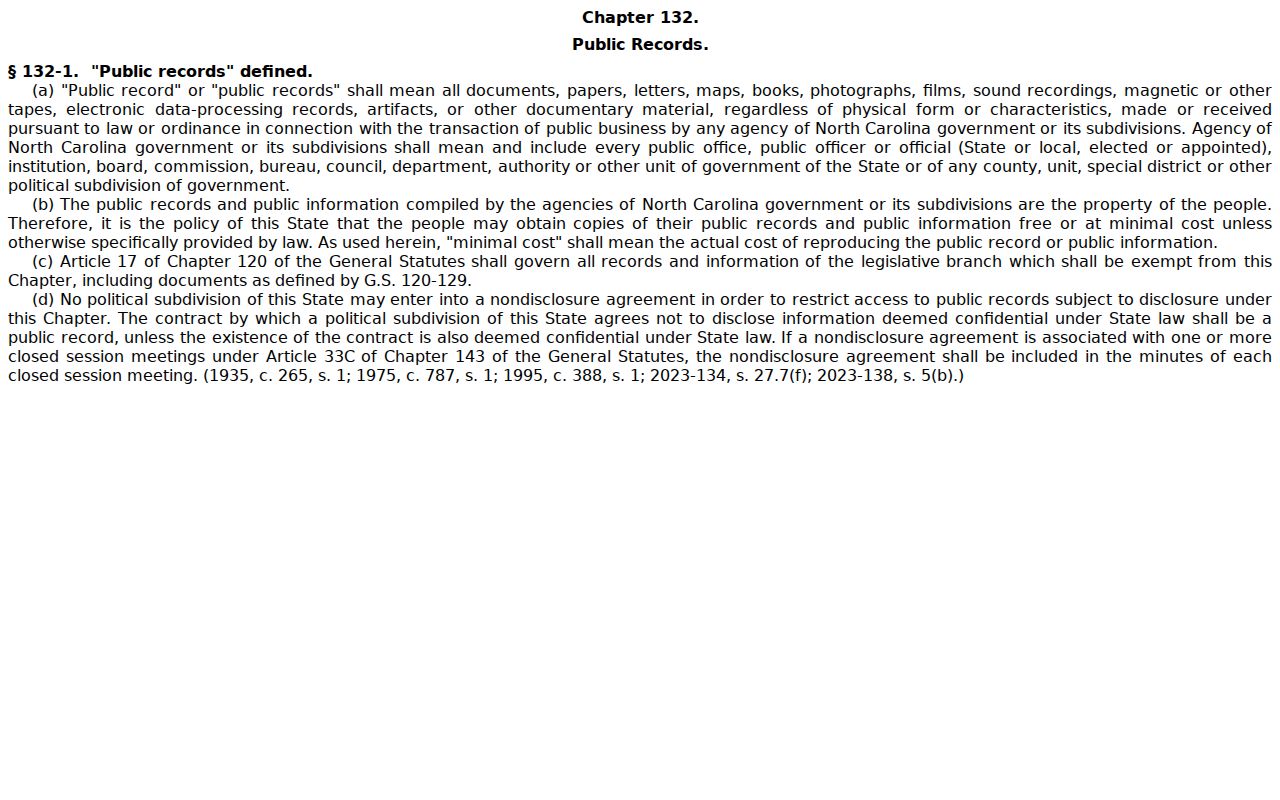
That public-records source gives useful background. It cannot, however, lift the access limits that attach to a single Pitt County case.
The copying-fee statute shows why a request that needs substantial staff assistance can cost more than simple inspection of the same court docket.
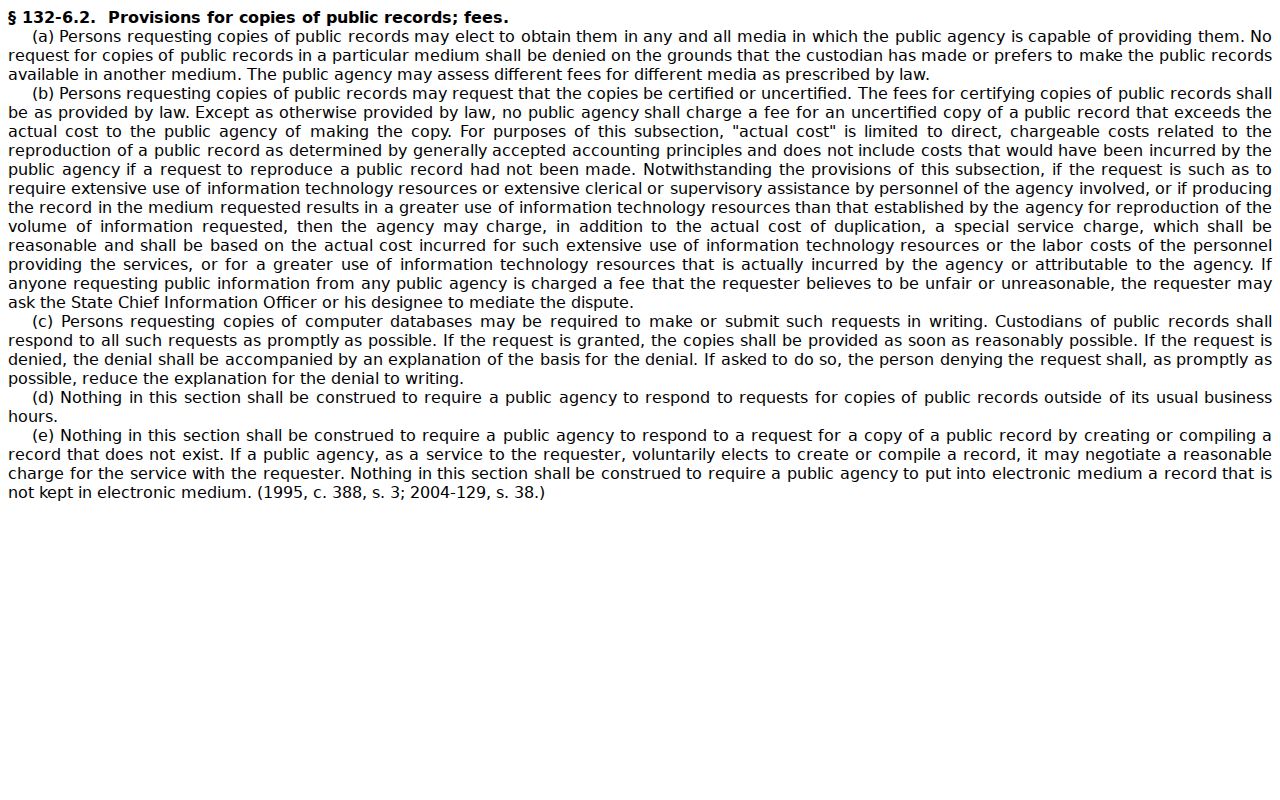
The statute still does not replace the Clerk's own fee schedule for a Pitt court document or certification.
Docket Records at the Clerk’s Office
The Pitt County Clerk of Superior Court holds the county's Superior Court and District Court files, dockets, and indexes. That makes the office the local destination for a certified court record, physical-file inspection, older material, or anything that refuses to display remotely. Portal supplies public case information. It sometimes offers public document images. It cannot issue a certified record, though. State guidance adds one more caution. The NCAOC administrative public-record request form is not a shortcut for a Pitt case file. Copies of case documents belong with the clerk where the case was filed.
Pitt County Clerk of Superior Court
Pitt County Courthouse, 100 W. Third St.
Greenville, NC 27834
252-695-7100
The Clerk posts public counter hours of 8:30 a.m. to 5:00 p.m. on weekdays. Ask for the exact record type, and say up front whether you need a plain or certified copy. Statutory charges run $2 for the first page of each document. Each additional page or fraction costs $0.25. A certificate under seal costs $3. An exemplification runs $10. Confirm the full total before submitting a request. Note that Pitt's contact directory, posted by the court system, lists the local court and clerk contacts.
Use the directory to route a Pitt docket or record question to the office holding the original file.
Pitt County Courthouse Docket Access
The Pitt County Courthouse sits in Greenville. It houses the Clerk and the county's trial-court operations, so it anchors in-person access. An expected public case may fail to appear through anonymous Portal access. A self-service terminal in a clerk office is then often the smarter next stop. The FAQ draws a clear line between the kiosk and remote Portal. Downloads and payments are Portal-only. Some protective-order case types, though, can reach anonymous users at a kiosk. File inspection happens in the county of filing, so a Pitt case belongs with Pitt. The official courthouse listing comes straight from the court system. It gives the location and hours, not a third-party directory.
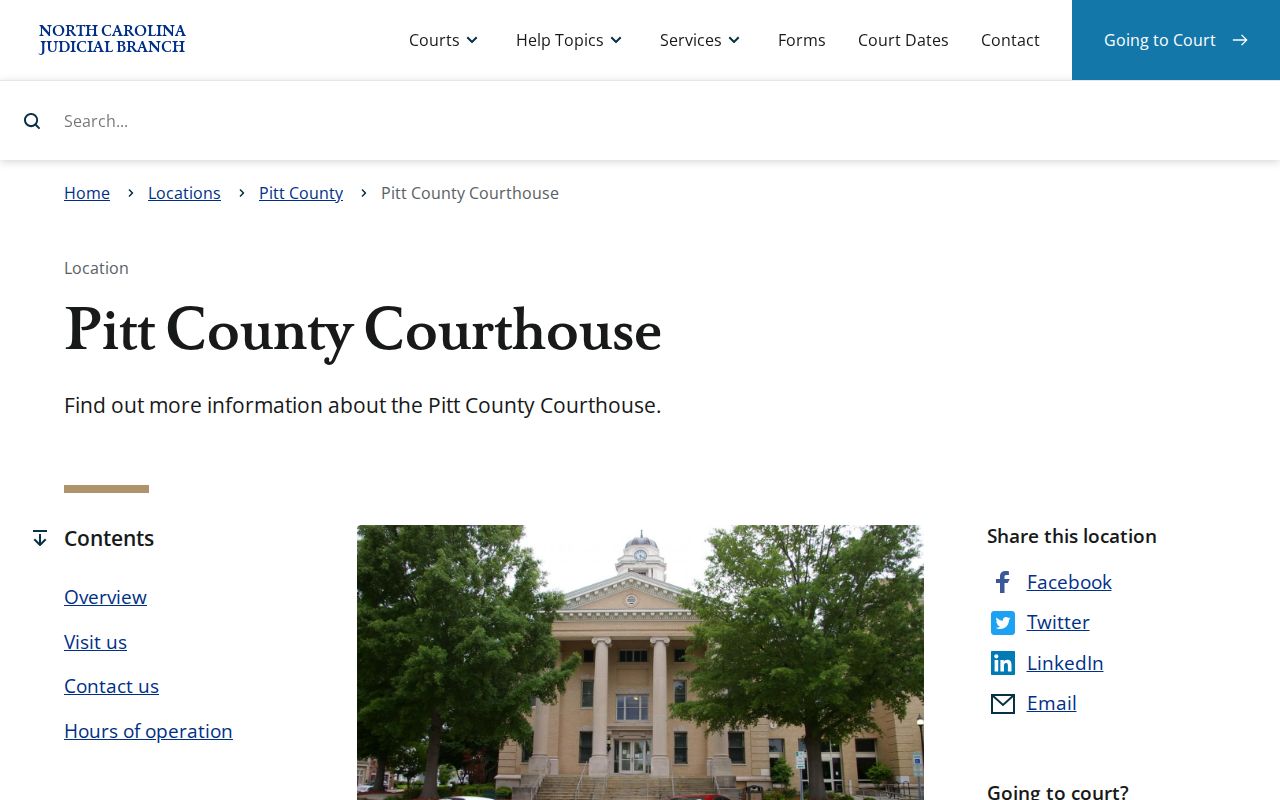
The courthouse is a way to reach Pitt case files in person. It is not a separate search system from the statewide Portal.
Pitt County’s 2025 eCourts Transition
Pitt County joined the state's eCourts system on April 28, 2025. That day, Track 8 brought the Portal, eFiling, and Enterprise Justice online for the county. The switch matters if an older Pitt case looks patchy online. Newer case activity lives in the eCourts environment. Older records may have been converted or scanned. Some were kept on paper, or need a trip to the Clerk for inspection. File & Serve handles filing in applicable eCourts cases. It is not the public docket reader. Use the Portal to read a Pitt County court docket. The official Pitt eCourts announcement spells out the launch and which counties went live.
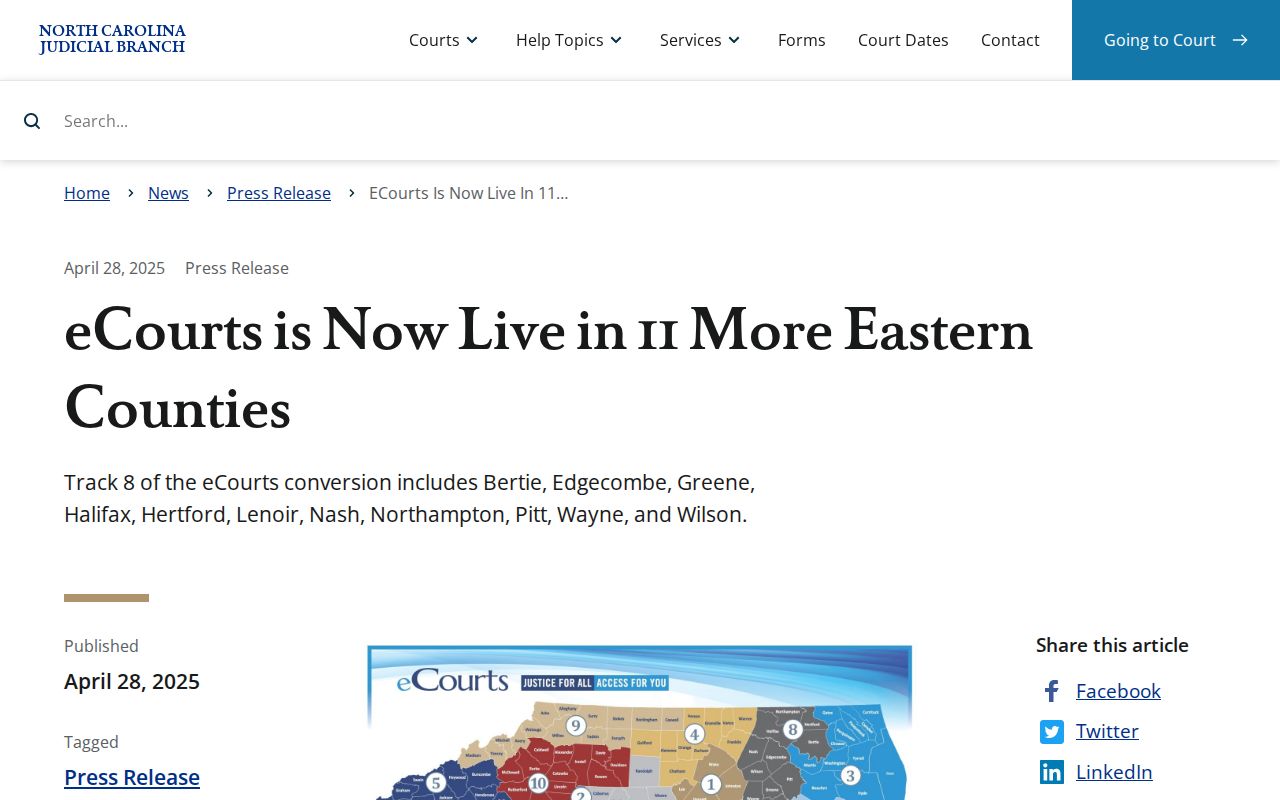
This explains the contrast. A recent Portal record and a historical Pitt file can look very different from each other. The 2025 rollout drew the line between them. One caution, though. An old case number alone does not promise that every past docket event or document shows up online. The Clerk may still hold pieces the Portal does not.
Pitt County Court Dockets by City
The county profile's July 2023 ranking lists Pitt County's five largest incorporated places. Those are Greenville, Winterville, Ayden, Farmville, and Grifton. None of them runs its own municipal criminal or traffic docket. North Carolina sends state cases tied to those towns through the Pitt County court structure whenever Pitt has venue. A city administrative record sits apart from a court Case Summary. Greenville parking-citation status is one example. Grifton takes extra care. The town spills into more than one county, and venue must be checked.
Greenville Docket Search
92,084 in the July 2023 profile · Pitt’s county-seat and Clerk-counter context; parking citations have a separate city route.
Winterville Docket Search
10,883 in the July 2023 profile · State court cases use Pitt Portal, calendars, and the Clerk.
Ayden Docket Search
5,068 in the July 2023 profile · Ayden’s local agency record is distinct from a Pitt court file.
Farmville Docket Search
4,489 in the July 2023 profile · The satellite courthouse is a Pitt County state-court location.
Grifton Docket Search
2,947 in the Pitt portion of the July 2023 profile · Confirm the county and venue before searching.
Map and Directions to the Pitt County Courthouse
Superior Court and District Court files for Pitt County are kept at the Pitt County Courthouse, 100 W. Third Street, in downtown Greenville. The Clerk of Superior Court's office there serves both trial divisions, with the building open 8:00 a.m. to 5:00 p.m. weekdays and the Clerk's public counter opening at 8:30 a.m. Pitt also runs a satellite Farmville Courthouse inside the Farmville Municipal Building, which handles some county-court matters closer to that town but is not a separate municipal court.
Pitt County Courthouse
100 W. Third St.
Greenville, NC 27834
252-695-7100
Clerk's Office open 8:30 a.m. to 5:00 p.m., Monday through Friday
Farmville Courthouse (Farmville Municipal Building)
3672 North Main St.
Farmville, NC 27828
252-695-7100
Monday through Friday, 8:30 a.m. to 5:00 p.m.
No official Pitt source publishes visitor parking, security-screening, or accessibility details for either building, so calling the Clerk at 252-695-7100 before a visit is the best way to confirm current entry procedures and which location a specific matter is assigned to.