
Searching Pitt County Criminal Dockets
The public doorway to a Pitt County criminal docket is the North Carolina eCourts Portal. Pick Smart Search. Then narrow a statewide result down to Pitt before treating it as a local file. For public cases, Portal can display the Case Summary. The state also calls it the Register of Actions. Treat it as a reference view rather than the Clerk's official certified record. The best starting result comes from a precise party name or a complete case number.
Keep the full Enterprise Justice number handy when you have one. The state format is a two-digit year, case-type letters, a six-digit sequence, and a three-digit county identifier. An example is 21CR000003-910. Name searches get a last-name wildcard after at least three letters. A first-name wildcard comes after at least one letter. Skip the Advanced Party Name filter for this purpose. It narrows results rather than broadening them.
- Open Portal Smart Search and enter a full case number or a precise party name.
- Use the location options to limit the result to Pitt County, then open the matching public case.
- Read Case Information and Assignment Information before treating a Case Event as a final result.
- Check Hearings for a current setting and Dispositions for any recorded outcome.
- Use the Pitt County Clerk of Superior Court for a file inspection, a copy, or a certification Portal cannot provide.
Note: A Portal result can look thin when a case is restricted, sealed, or not yet available for remote public access.
Pitt County Criminal Case Summary
A calendar only says a matter is set. The Pitt criminal Case Summary gives the context behind that setting. Begin with the assigned court and case type. Then walk the Case Events in date order. The Hearings panel or Portal Search Hearings will show the next date. But scan the event history for a later continuance, dismissal, or other change before relying on it. Portal Search Hearings takes a case number, party name, business name, attorney name, attorney bar number, judicial officer, or courtroom.
The official Pitt criminal calendar offers a handy session view. That calendar is sometimes down. An imminent setting can look odd, too. If so, confirm in this order: Portal, the county calendar, the courtroom or court office, then the Clerk at 252-695-7100. Portal will not tell you whether a hearing is virtual or in person. A separate court-provided link covers any authorized virtual appearance.
The official Pitt criminal calendar shows the county-filtered court-calendar route that sits alongside a Pitt County criminal docket.
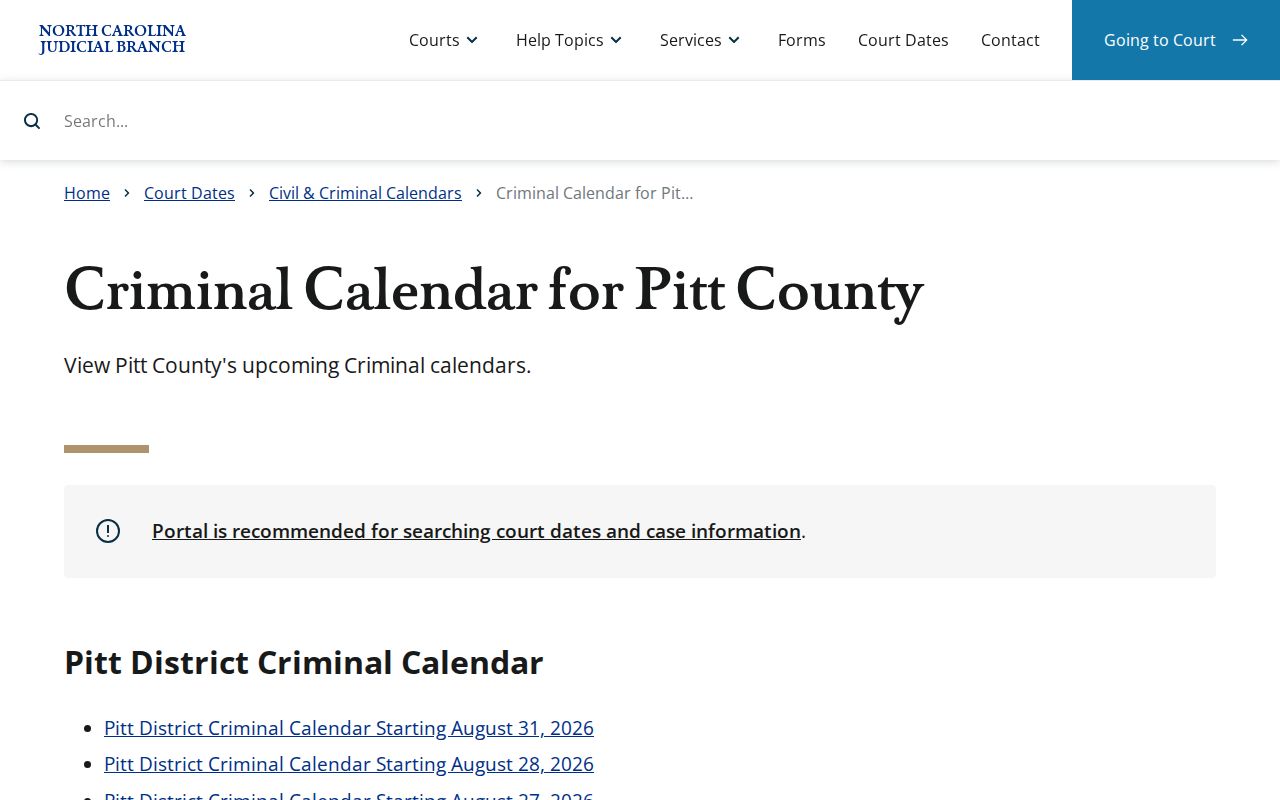
The calendar view rounds out the Case Summary. It still cannot replace the filed record or the clerk's confirmation of a current setting.
Inside a Pitt County Criminal Docket
Portal calls its detailed public screen a Case Summary or Register of Actions. Which panels appear depends on the public file. Case Information and Assignment Information set the court context, and Party Information lists formal roles. Case Events carry the dated history. Hearings, Dispositions, and Financial Information show up only when the system holds applicable public data. Read the panels together, and read them carefully. A Case Event is not automatically a judgment. A listed charge is not itself a recorded disposition.
| Case number | The Enterprise Justice identifier, such as 21CR000003-910, used to locate the Pitt County criminal docket. |
|---|---|
| Assignment information | The court and assignment context that should be read before interpreting a criminal event. |
| Case Events | The chronological Register of Actions entries, such as filings, notices, motions, or later settings. |
| Hearings | Scheduled or completed settings when data exists; confirm a close date with the court. |
| Dispositions | The recorded outcome panel, which should be checked before calling a charge resolved. |
North Carolina's criminal-cases information supplies the state court context behind a Pitt County criminal docket.
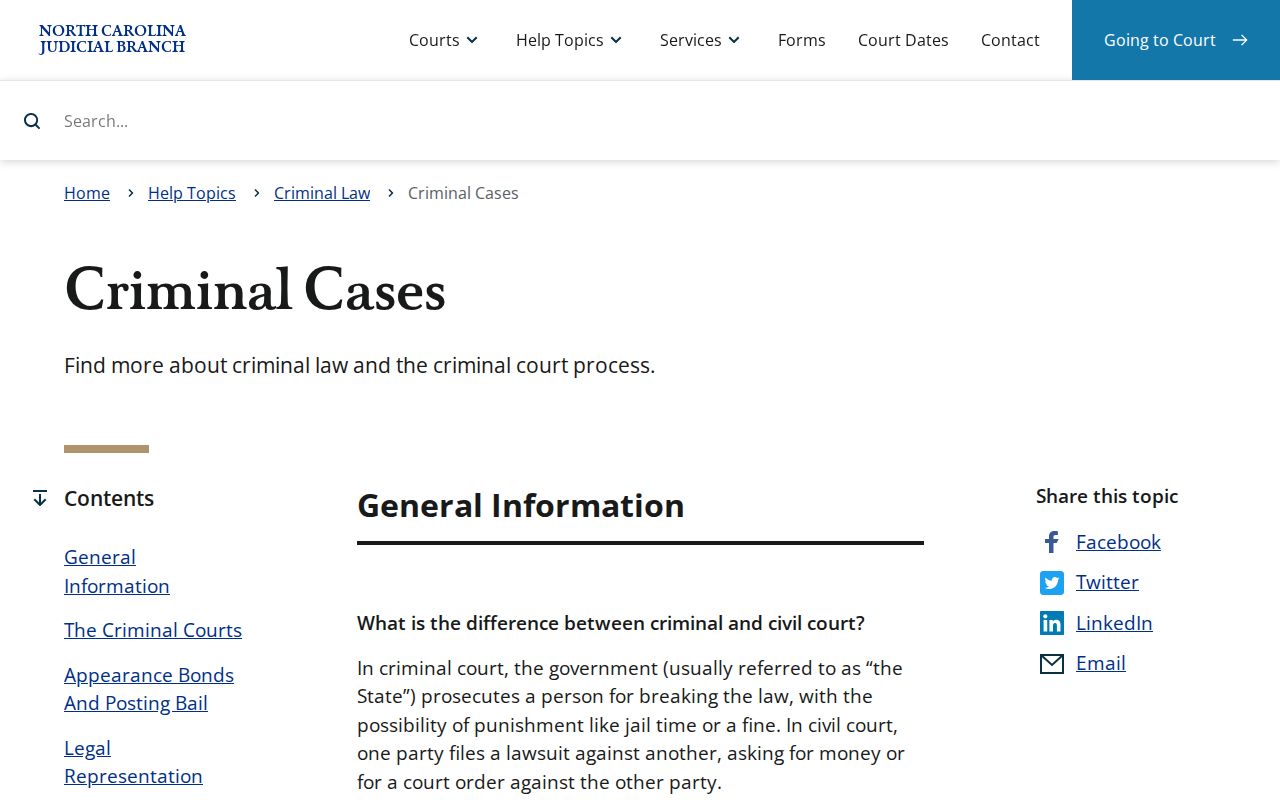
That structure matters here. The same Pitt Clerk keeps the files for companion District and Superior Court criminal matters.
Pitt County Criminal Docket Continuances
Pitt's District Court continuance policy explains a changed setting. It does not leave you to guess why it moved. It sets targets. Probable-cause matters for plea or indictment should fall within six months of service. Misdemeanors should fall within six months. DWI matters get twelve months. Infractions get 120 days. Those numbers are aims, not deadlines that decide a case. Good cause or law can justify a longer continuance.
The continuance record may list the charge-filed date, prior continuances, the calendar number, the officer, and the charges. It may also list the continued-to date, party positions, and the stated grounds. Grounds range from an unavailable participant to discovery, counsel issues, laboratory-report delay, heavy caseload, or plain court scheduling. When a date shifts in a Pitt County criminal docket, read the later event and any order together. Do not assume the matter has ended. The Pitt local rules and forms page is the county source for this procedure.
The state criminal and infraction activity report is the official source for county-level activity context.
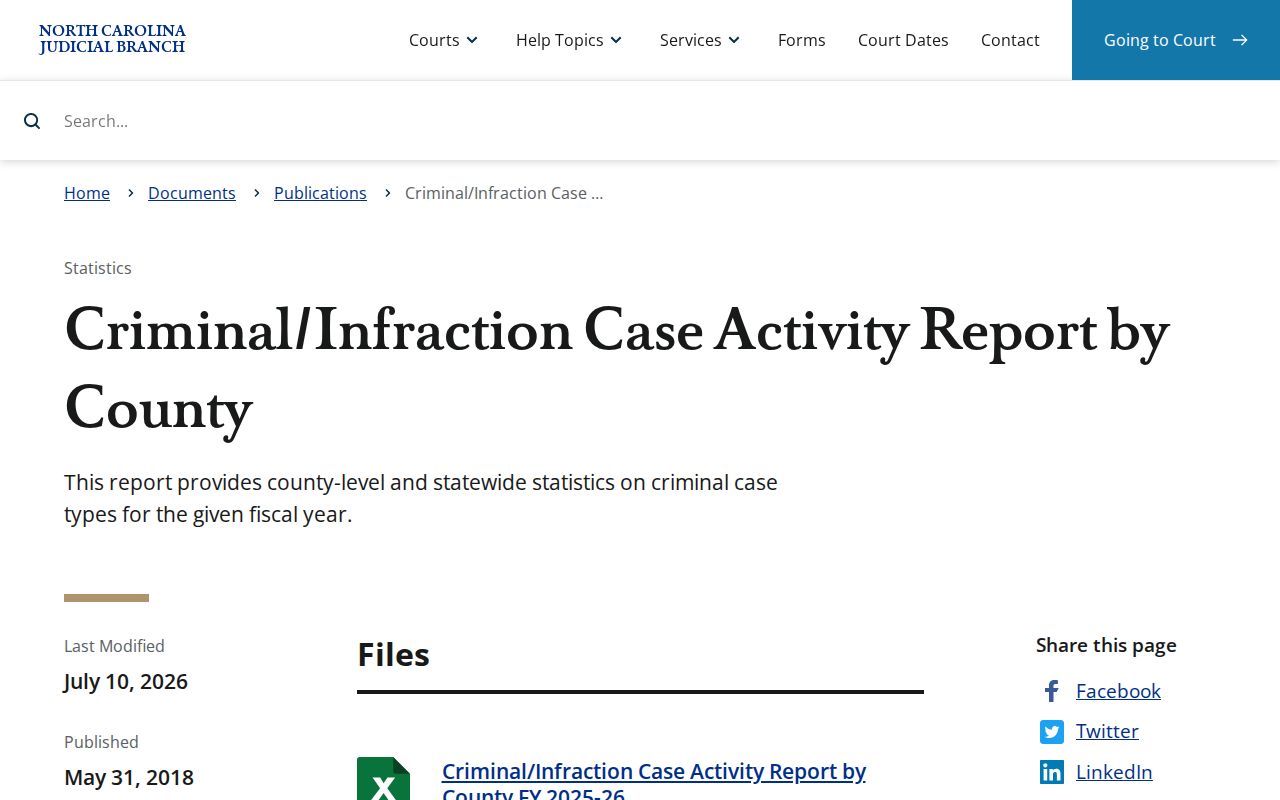
Workload numbers for the county measure how busy the Pitt County criminal docket is, not what any single case decided.
How a Criminal Case Moves
A Pitt County criminal docket may trace a path from charging or filing through arrest or initial process, first appearance, probable-cause work, indictment, arraignment, motions, hearings, a plea or trial, judgment, sentencing, and an appeal notice. Not every public case hits every stage. Portal publishes no Pitt-specific abbreviation glossary for every event label, so use the label displayed in the file along with its date.
Criminal docket flow: Filing → Arraignment → Pretrial → Plea or Trial → Disposition → Sentencing
Pending means no final recorded outcome yet. Dismissed ends a charge without a conviction. A plea records a plea-based result. Deferred and conditional outcomes call for reading the precise event or order. An appeal can move the matter to another court's docket.
Pitt County Criminal Docket Courts
Pitt has one unified Clerk. There are no separate county and district criminal clerks. Misdemeanors and traffic infractions belong mainly to District Court, where felony cases can also open for pretrial proceedings. Some lower-level felonies resolve by plea there. Felony trials and more serious felony work are resolved in Superior Court, and the Pitt County Clerk of Superior Court maintains the record across both trial divisions.
| Case track | Typical Pitt court | Public docket route |
|---|---|---|
| Misdemeanor or infraction | District Court | Portal Smart Search or Search Hearings, criminal calendar, and Clerk. |
| Felony pretrial work | District Court may handle early proceedings | Check Assignment Information and Case Events in Portal. |
| Felony trial or serious felony work | Superior Court | Portal, criminal calendar, courthouse kiosk, or Clerk. |
State appellate review happens elsewhere. A notice of appeal can appear locally. The appellate file itself belongs to the North Carolina Court of Appeals or the state Supreme Court, not the Pitt County criminal docket.
Courts That Hold Criminal Dockets
The North Carolina General Court of Justice has Superior and District trial divisions. In Pitt, both divisions share one Clerk. A criminal search should identify the assigned division. Never assume a missing entry means a separate court office holds it. Magistrates are District Court judicial officers who run limited criminal proceedings. Their work often comes first. It can precede later District or Superior Court events.
Need a current setting? The District Court judges' office is listed at 252-695-7270, and the Superior Court judges' office at 252-695-7260. The Clerk stays the central local contact for record custody, case-location questions, copy logistics, and access to the public file. The Pitt County Judicial Branch landing page gathers those local court channels together.
Pitt County Criminal Calendar
Three tools do different jobs in a Pitt County criminal docket search. Portal offers the public Case Summary. It also runs a current hearing lookup. Turn to the courthouse kiosk next when remote results seem thin. The Judicial Branch notes that kiosk access may include some protective-order case types unavailable to anonymous remote users. For inspection of the physical file, official copies, and certification, the Pitt Clerk is the route.
Need a filed order, judgment, or certified copy? Ask the Clerk. The statewide NCAOC public-record request form exists for administrative records already in NCAOC custody, not for filings. Transcripts follow a different route. The official court reporters handle them at 252-695-7260. Portal document viewing or printing can carry fees, but no Pitt Portal document price is posted. The statutory schedule for Clerk-prepared copies states $2 for the first page of each document and $0.25 for each additional page or fraction. A certificate under seal adds $3.
The Pitt County payment information page lists mail as a local channel for eligible payments and clerk correspondence. Pitt publishes no copy-request form or copy-by-mail procedure. Call first. Note that North Carolina eCourts File & Serve is the filing system, not a public criminal-docket reader.
One more form route exists. The Judicial Branch court-record form page shows a separate Clerk form, and that form does not replace the Pitt County criminal docket or Case Summary.
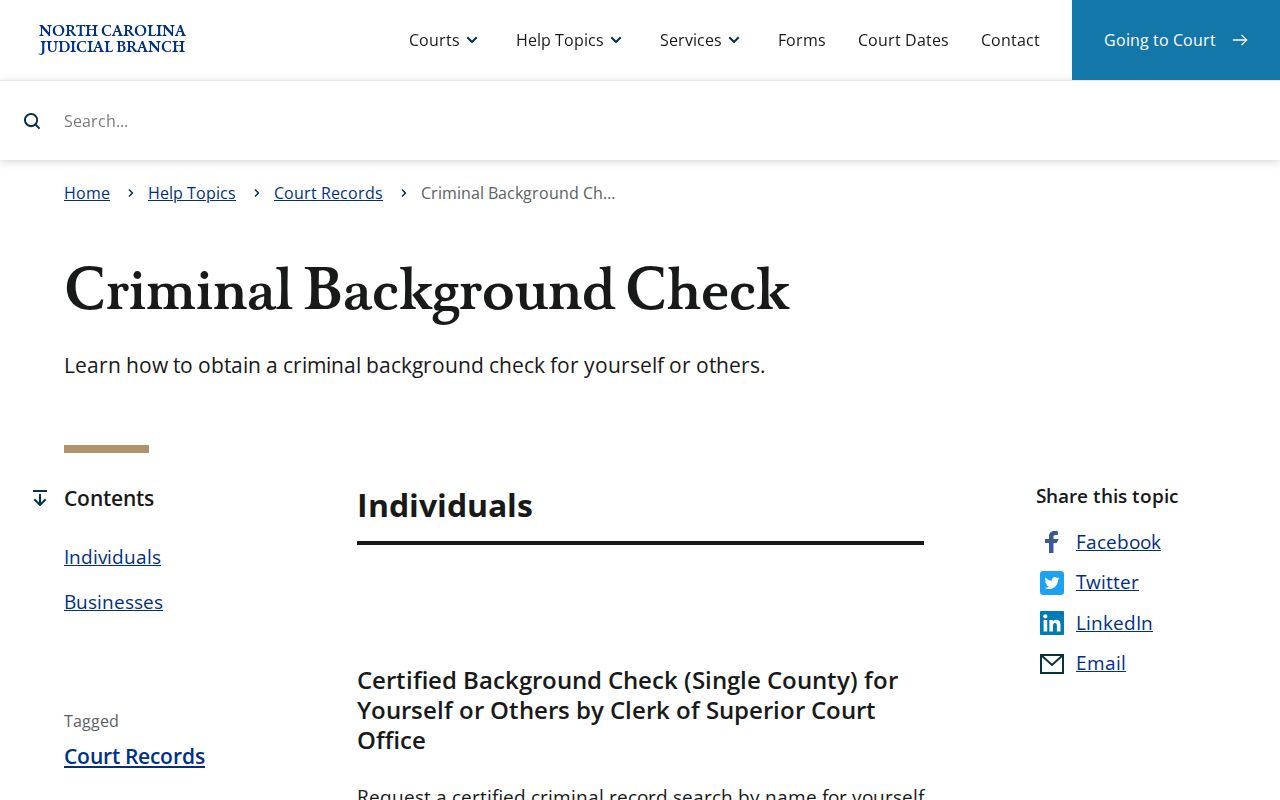
Name the case number first. A clear request for a public file also identifies the document sought and whether a plain or certified copy is needed.
Sealed Dockets and Public Access
North Carolina law opens the Clerk's records, files, dockets, and indexes to public inspection during regular office hours unless another law prohibits access. Portal is not the official court record. It carries public material only. A zero result proves nothing about the physical file. The miss can come from a wrong search term, an incomplete number, a restricted category, a seal, or a case hidden from anonymous remote users. The paper file may still exist at the Clerk's office.
Key Rules:
G.S. 7A-109 requires clerks to maintain records, files, dockets, and indexes and supports public inspection unless law limits it.
G.S. 15A-151 makes expunged court records retained by clerks confidential under the statute's limited-disclosure rules.
G.S. 7B-3000 restricts public inspection of juvenile records except for listed people or by court order.
Unreturned warrants, juvenile matters, protected categories, sealed files, and expunged records carry separate limits. Registration alone does not grant remote access to restricted material. Ask the Pitt Clerk instead. Use the court process that governs the record. A broad request for a file the law makes confidential is not the route.
Pitt County Criminal Docket Limits
Read a Pitt County criminal docket as a court record of events, settings, and dispositions, not as a conclusion drawn from a single line. Portal has a known quirk. Converted pre-eCourts events may show a 12:00 AM time stamp. The state calls that a possible migration artifact. It may not be the original clock time of the event. When timing matters, trust the date, the event description, and the actual file.
Pitt moved to eCourts on April 28, 2025. Older records may have been converted, scanned, kept in paper, or subject to access limits. A thin online result is common. Ask the Clerk whether the file is on site, converted, restricted, or available through another approved method. Nothing guarantees that every older file is remotely searchable.
Portal's public Case Summary is a useful research tool. The Pitt Clerk remains the source for the official trial-court record.