
How to Search Cases by Name
For a Pitt County case lookup by name, begin at the North Carolina eCourts Portal Smart Search. Its default box accepts either a party name or a case number. Type the most exact spelling you have. Then apply the Pitt location filter before you treat a statewide hit as a Pitt County record. Anonymous public users can search publicly available case information without registering. Registering is optional, and it does not unlock restricted files for an ordinary user.
- Open Smart Search and use the default Case Number or Party Name field for the Pitt County case lookup.
- Enter a precise name. A last-name wildcard is allowed after at least three letters, and a first-name wildcard is allowed after at least one letter.
- Apply the Pitt County location filter in Advanced Filtering Options. Use case type, status, or filing-date criteria only when they improve a broad result.
- Open the matching Pitt County result and read the Case Summary, including Case Information, Assignment Information, Case Events, Hearings, and Dispositions when shown.
Skip the advanced Party Name filter at first. The state warns that it narrows results. It also supports no wildcards, which makes it a poor opening move. The default Smart Search box is the stronger Pitt County starting point. What if the search comes back empty? A no-match can mean a misspelled criterion. It can also mean an incomplete number, a citation not yet entered, a required appearance, or a restricted case type. It does not prove that no Pitt County court file exists.
| Field label | Type | Required | Pitt County lookup use |
|---|---|---|---|
| Case Number or Party Name | Text, default criterion | One criterion | Search a known number or party name before adding filters. |
| Filter by Search Type | Dropdown | Optional | Supports party, business, attorney, bar number, citation, cross-reference, nickname, and record-number options. |
| Location | Multi-select or filter | Optional | Limit statewide results to Pitt County before treating a record as local. |
| Party Search Criteria | Text and date controls | Optional | The official training material identifies party name and date of birth as narrowing criteria. |
| Case Search Criteria | Dropdown and date controls | Optional | Case type, case status, and filing-date range can narrow a Pitt County result. |
Pitt County Case Lookup Smart Search
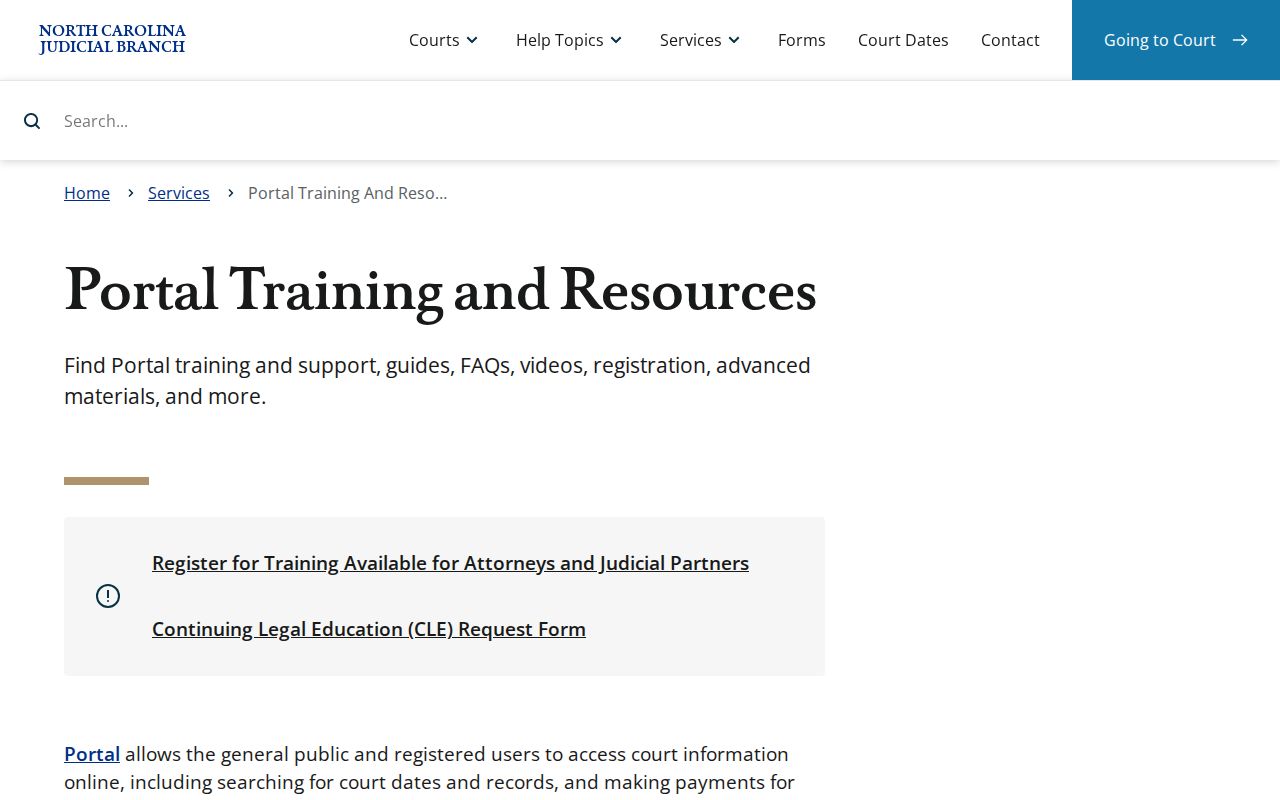
Pitt County joined eCourts on April 28, 2025. That makes Smart Search the public statewide layer for Pitt County Case Summary results. It is not a separate database owned by the county. Portal training material lays out the ordinary user path. Search the default field, and narrow by location where needed. Open the Case Summary instead of stopping at a result row. The detailed view carries another name too. It is called the Register of Actions, and its dated chronology is labeled Case Events. The Portal training and resources page publishes this Pitt County case lookup reference material.
Treat Pitt County case lookup results as public-reference information. The Judicial Branch states plainly that Portal is not an official court record. For an official copy, a paper file, or certified documentation, go to the Pitt County Clerk of Superior Court. A Portal display is not the document of record.
How to Search by Case Number
A complete eCourts number is the fastest Pitt County case lookup route. Use it when you have it. The official Enterprise Justice pattern has four parts. Those are a two-digit year, case-type letters, a six-digit sequence, and a three-digit county identifier. The published state example is 21CR000003-910. Keep the dash and the final county code when you enter one. Never guess a Pitt County suffix. Never guess a case type from part of an unfamiliar file number.
Case numbers also surface in notices, calendar entries, and a case's Case Information panel. When a number returns nothing, check for omitted characters. Do that before falling back to a name search. A wildcard inside a case number needs at least four characters ahead of the asterisk. Remember what the pattern tells you: it marks the electronic record format. It says nothing about the case outcome and cannot replace the dated Case Events.
Note: A complete Pitt County case number narrows the search. A later Case Event or hearing entry is still needed to read the case's current position.
Pitt County Case Lookup Filters
Pitt County case lookup filters trim a broad result set without mixing unrelated search tools. Smart Search offers location, case type, case status, and filing-date controls. Party criteria can add a name plus a date of birth. Business searches need the proper search-type filter. Stick to the documented fields. Do not assume a filter exists if the Portal does not list it.
Wildcards only help once the minimum characters are in place. A last-name wildcard needs three letters. A first-name wildcard needs one. A case-number wildcard needs four. Start narrow. Then relax one limit at a time. The Pitt County location choice matters because Portal serves participating eCourts counties statewide. Confirming a result's court and assignment beats treating any same-name hit as a local record.
What a Case Search Shows
A Pitt County Case Summary shows what exists for that particular public file. The official field inventory is long. It lists Case Information, Assignment Information, Party Information, Case Events, Dispositions, Hearings, and Financial Information when applicable. Civil, family, probate, and mental-health files may also display Causes of Action. Empty panels simply do not appear. If there is no financial panel, Portal has nothing to show for that record.
| Case Information | Core identifying information for the Pitt County court file, including its number and case type. |
|---|---|
| Assignment Information | Court or judicial assignment context that helps distinguish Superior, District, or other Pitt County proceedings. |
| Party Information | Formal party roles shown in the public file. Portal search results exclude victims. |
| Case Events | The chronological Register of Actions entries for filings, notices, court actions, and procedural history. |
| Hearings | Scheduled or completed settings when the record has hearing data. Use Search Hearings for the current calendar view. |
| Dispositions | Recorded outcomes or resolutions. Read the newest event before treating an earlier entry as final. |
| Financial Information | Case monetary information when Portal has applicable data, not a panel guaranteed for every Pitt County case. |
A Pitt County case lookup reads best in order. First pin down the number, court, and assignment; then the case type and parties; then the dated Case Events; and finally separate the latest hearing or disposition from older entries. Working this way keeps a historical event from being mistaken for a pending setting.
Pitt County Case Lookup Result Panels
What shows up in a Pitt County Case Summary panel depends on the file itself, public access rules, and whether that panel holds any data for the case. There is no fixed checklist. Estate and civil records might list Causes of Action. A criminal record leans toward charges, hearings, events, and dispositions. Financial Information appears only where it applies. The Portal hides Social Security numbers from both public and elevated users. Public search results leave out victims.
Read Case Events with some care when you build a chronology. Older events converted after the eCourts go-live can show a 12:00 AM timestamp. That clock time is often just a migration artifact rather than proof that anyone acted at midnight. Trust the date and the full event description instead. For a timing question that matters, ask the Pitt County Clerk to verify it.
County vs Statewide Case Search
North Carolina runs its public case search through one statewide system. There is no separate Pitt County portal sitting beside the eCourts Portal. That Portal serves as the remote layer for a Pitt County case lookup. Just filter the results to the right county. The local layer lives at the courthouse. The Pitt County Clerk keeps the file, and a public kiosk sits inside the building. Keeping those two layers straight matters. Use the Portal for quick checks. It carries the current search tools. Go to the clerk when you want to inspect a record, get help, or order official copies.
| Pitt County route | What it provides | Best use |
|---|---|---|
| eCourts Portal with Pitt location | Public Case Summary, Search Hearings, judgment-index results, and eligible criminal or infraction payments. | Find a public Pitt County case by name or number and review current information. |
| Pitt courthouse kiosk | Much of the Portal search information, with some case types available to anonymous kiosk users that are limited remotely. | Check a public result that is restricted or incomplete online. |
| Pitt County Clerk of Superior Court | The county file, paper-file inspection, staff copies, certifications, and local record-custody help. | Obtain an official record, inspect the underlying file, or resolve a search problem. |
A Pitt County case lookup is a reading tool, not a filing service. Searching the Portal just pulls up public court information. Anyone who actually needs to file a document in an applicable eCourts matter must use File & Serve instead. That system stands apart and requires its own registration.
Pitt County Case Lookup Portal Tools
The Portal splits its Pitt County case lookup work across several tools. Smart Search pulls up the Case Summary with current public case information. Need a hearing date? Search Hearings shows the current calendar setting. NC Judgment Search works as a reference index. Filter it by party name or case number, case type, status, location, and judgment date. Its results list the case number, disposition status, and index date and time. Parties and judgment comments appear too. For a fuller case summary plus current financial details, go back to Smart Search.
Portal Make Payments covers only eligible criminal costs and fines. It adds a card processing fee. It does not handle civil judgments. For filings in applicable eCourts matters, turn to North Carolina eCourts File & Serve. That is the official filing page in this Pitt County case lookup reference.
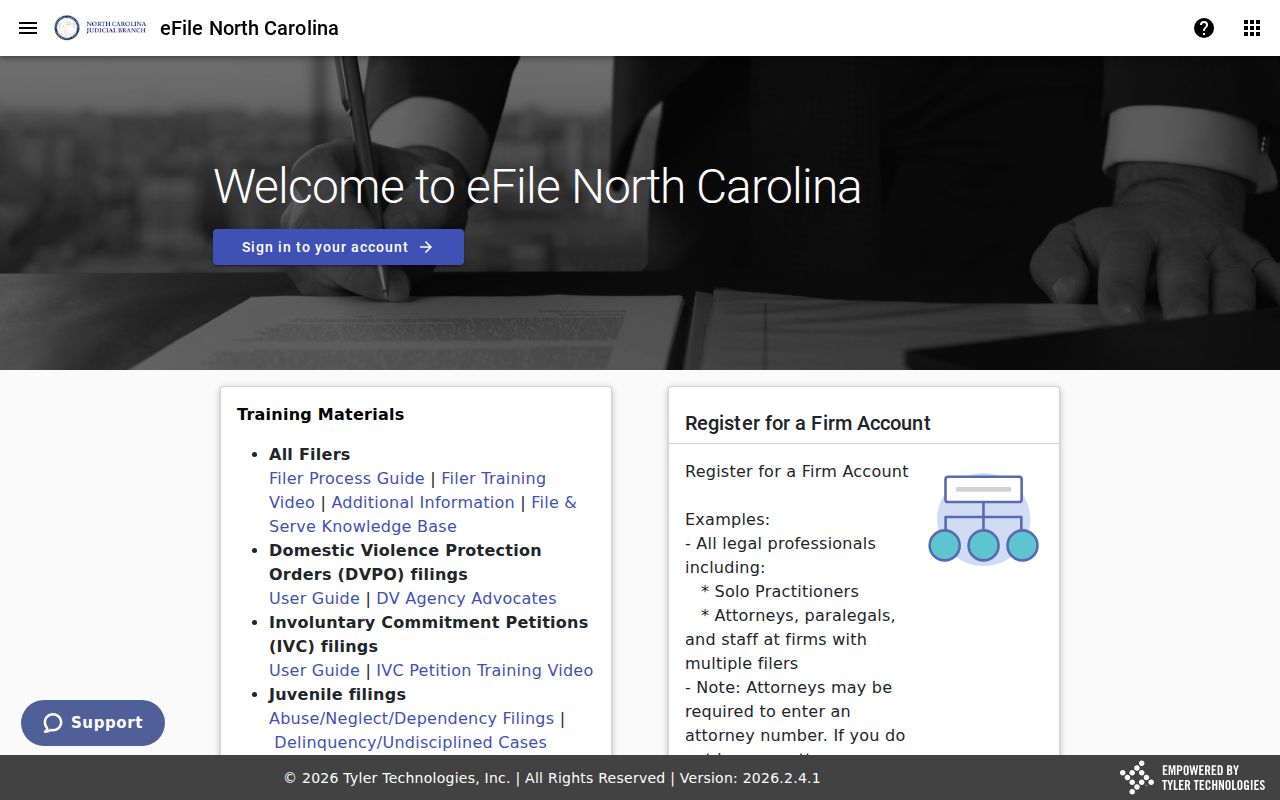
File & Serve handles filings in applicable eCourts matters, nothing more. It is not the public Pitt County docket reader. To find and read a public case record, use the Portal, the courthouse kiosk, or the Clerk.
Pitt County Case Lookup Location Check
A match on a party name is not enough. A case number that looks close is not enough either. Neither is a familiar case type. Pitt County sits inside a statewide eCourts search environment. Confirm the location and assignment details before treating any result as a true Pitt County case. That step matters most with broad terms or wildcards. An address is not one of the Portal's official search fields. Need local context behind what the Portal returns? The Pitt County Judicial Branch court hub is the place to look.
Case type is the other routing clue in a Pitt County court docket result. Felonies, major civil matters, and appeals from District Court belong to Superior Court. That is the principal trial division. District Court takes misdemeanors, infractions, family and juvenile matters, and lower-value civil cases. Small claims and limited criminal work go to magistrates, who sit within the District Court structure. The Pitt County Clerk keeps the record either way. The assigned court tells you which calendar the case actually follows.
Restricted Cases and Access Rules
Some Pitt County case lookup searches simply will not return a public remote result. Anonymous Portal users get ordinary public information. That covers civil, criminal, estate, and special-proceeding files, limited to the public documents and case events available. Juvenile cases stay restricted. Unreturned criminal warrants are restricted under the state's Portal access materials. Certain protective-order types appear only at a courthouse kiosk rather than through remote Portal. Registering does not unlock them either. Restricted material requires statutory elevated access.
Sealed or expunged files never appear in public online viewing. Under G.S. 15A-151, expunged court records kept by clerks are confidential. Juvenile records work the same way: G.S. 7B-3000 withholds them from public inspection except for specified people or by court order. A zero-result Pitt County docket search proves nothing. It does not tell you whether a historical record once existed.
Public access has limits. A Pitt County case lookup can identify public court information, but sealing, expunction, juvenile confidentiality, and other statutory restrictions control access to limited files.
Pitt County Case Lookup Kiosk Option
Does the remote Portal result come back thin? A courthouse terminal is the next stop for a Pitt County case lookup. North Carolina guidance puts self-service kiosks inside the clerk of court's office. Criminal matters are covered. So are civil, special-proceeding, and estate files. The kiosk mirrors most of the Portal's search functions. Anonymous kiosk access also covers certain protective-order case types that remote searching cannot reach. Downloads and payments stay Portal-only, though.
The Pitt County Courthouse sits at 100 W. Third St., Greenville, NC 27834. The building keeps weekday hours of 8:00 a.m. to 5:00 p.m. The Clerk's Office opens to the public at 8:30 a.m. and closes at 5:00 p.m. No published source lists a terminal floor, a terminal count, or a staff-assistance policy. If those details matter, call the Pitt County Courthouse at 252-695-7100 before you drive over.
Pitt County Case Lookup Event Times
An old Register of Actions entry in a Pitt County docket deserves some context. Current case activity lives in eCourts. History from before the April 2025 conversion may sit in scanned images, converted data, or paper that only the Clerk can pull. The transition notice set the legacy systems to inquiry-only at 7:00 p.m. on April 23, 2025. Nothing new was indexed during the migration window. That was temporary guidance for the switchover, not a standing delay on court records.
One more quirk trips up readers. When an older Pitt County Case Event reads 12:00 AM, trust the date and description. Do not assume a midnight filing. Pitt County publishes no local dictionary of short docket codes. Lean on Portal's full field labels instead. If the exact time of an old event truly matters, ask the Clerk directly.
Pitt County Case Lookup Clerk Records
Case Summary access is public reference access only. The Pitt County Clerk of Superior Court holds the official Superior and District Court files, dockets, and indexes. Under G.S. 7A-109, the clerk maintains these records. The clerk must also allow inspection during regular hours unless another statute blocks it. Staff can help find the right local file, make plain copies, and issue certified ones. A Portal printout never replaces a clerk-issued certification.
For copies, phone the Clerk at 252-695-7100. Have the case number and the exact document you need ready. The official Pitt County contact directory lists every local court and clerk line. Mail goes to P.O. Box 6067, Greenville, NC 27835 for clerk correspondence and eligible payment instructions. Pitt County publishes no special mail, email, fax, or drop-box copy-request procedure. One caution: the NCAOC public-record request form covers administrative records only. It is not a route for Pitt County court documents.