
Searching Pitt County Civil Dockets
Start at the North Carolina eCourts Portal. That is the public front door for a Pitt County civil docket lookup. In Smart Search, type a party name or a full Enterprise Justice case number. Then apply the Pitt location filter. Only after that should you treat a statewide result as local. Portal screens can show public Case Summary details, Case Events, hearings, dispositions, and any financial panels. For a certified copy, the clerk remains the source.
An Enterprise Justice number has a set shape. The state breaks it into a two-digit year, case-type letters, a six-digit sequence, and a three-digit county identifier. The published example is 21CR000003-910. Use the whole construction rather than guessing a Pitt civil suffix from a partial number. Smart Search accepts names and case numbers both. A last-name wildcard needs at least three letters; a first-name wildcard needs at least one.
- Open Portal Smart Search and search with a full number or precise party name.
- Limit the result to Pitt County and open the public civil case that matches the parties and court division.
- Read Case Information, Assignment Information, and Causes of Action before drawing meaning from one event.
- Review Case Events in date order, then check Hearings and Dispositions for the current court status.
- Use the Pitt County Clerk of Superior Court for a physical file, a plain copy, or a certified copy.
Note: A no-match result can mean several things. The number may be incomplete, the filter wrong, the file restricted, or the record simply not open to remote viewing.
Pitt County Civil Case Summary
Read a Pitt civil Case Summary in a set order. Start with the style, party roles, and assigned court. Then check the Causes of Action panel for the claim itself. Follow the dated run of filing, service or response, motion, notice, order, and later events. Finish with Hearings, Dispositions, and Financial Information where they apply. A panel with no data may not display at all.
That order guards against calling an event a judgment too soon. Most civil actions open with a complaint or petition. The plaintiff starts; the defendant answers. An answer can move the file. So can a counterclaim, discovery item, motion, or notice of hearing. None of it ends the claim. Before calling a civil matter done, check two things. The disposition and the actual public order are the checks that count.
For division context, the North Carolina court-structure overview lays out how the courts stack up. That makes a Pitt civil Case Summary easier to place.
Knowing the court structure explains why the assignment belongs beside the events when you review a Pitt civil docket.
Inside a Pitt County Civil Docket
The Portal labels the chronological court history as Case Events. The detail screen gets its own label too. The Portal calls it a Case Summary or Register of Actions. A public Pitt County civil docket can include Case Information, Assignment Information, Party Information, Causes of Action, Case Events, Dispositions, Hearings, and Financial Information where applicable. Panels vary by file. One missing panel does not prove the case lacks the facts behind it.
| Case number | The Enterprise Justice identifier for the Pitt civil file, including year, type letters, sequence, and county identifier. |
|---|---|
| Party information | The formal plaintiff and defendant roles, plus other displayed party roles. |
| Causes of Action | The civil claim category when Portal shows that panel for the public file. |
| Case Events | The dated filing, service, motion, notice, order, or calendar history. |
| Hearings and Dispositions | The setting and recorded resolution panels that must be read with the case events. |
Watch the clock on older entries. Pre-eCourts events converted after Pitt's 2025 go-live can carry a 12:00 AM time stamp. That time may be a migration artifact rather than the true clock time of the original event.
Pitt County Civil Docket Routing
Pitt civil docket research runs on three court tracks. Superior Court takes civil claims above $25,000. It follows the county's civil-superior calendaring rules. District Court generally handles civil claims at or below $25,000 plus family matters. Magistrates hear small claims up to $10,000. Across all three tracks, the Pitt County Clerk of Superior Court keeps the records. There is no separate county civil clerk or city civil docket portal.
| Civil case track | Pitt court route | Record path |
|---|---|---|
| Claim above $25,000 | Superior Court | Portal, civil calendar, courthouse kiosk, or Pitt Clerk. |
| Claim generally at or below $25,000 | District Court | Portal, civil calendar, or Pitt Clerk. |
| Small claim up to $10,000 | Magistrate / Small Claims Court | Portal or clerk terminal; ask the Clerk for the assigned session. |
For the lower-value civil and family-court side of a Pitt County civil docket, the District Court information is the official source.
The assigned division is a core search detail. A court calendar or case file can look quite different across the Pitt civil tracks.
Civil Case Types on the Docket
A Pitt County civil docket tracks more than one kind of civil matter. Superior and District Court records can include civil actions. Family work appears there too. Magistrate records cover small claims within the stated limit. The Causes of Action panel can help. Portal may name the claim category for civil, family, probate, or mental-health files when public and applicable. Trust the division, the filing type, and the event history over any single label.
- Major civil claims assigned to Superior Court.
- Lower-value civil claims generally assigned to District Court.
- Small claims heard by magistrates up to $10,000.
- Family matters handled in the District Court structure where public access applies.
- Special proceedings and estate matters kept through the unified Clerk system.
The Judicial Branch's lawsuit and small-claims information walks through the state court paths that show up in a Pitt County civil docket.
That split matters in practice. A small-claims search and a Superior Court calendar search can land you at different Pitt court settings.
Pitt County Civil Calendar Rules
Under Pitt's posted civil Superior Court rules, the Trial Court Administrator runs the calendar. That office handles motions, trials, calendar requests, additions, and continuances. Cases that are ready go onto a scheduling calendar. Calendar conferences build trial calendars one quarter at a time. Initial and final calendars are published separately. The final calendar generally lists cases oldest first. Priority and peremptory-setting rules can reorder them, and consolidated cases appear under the oldest case number.
The local rules also explain why a settled case can linger on a calendar. Any settled case on a published calendar must be reported within 24 hours. The report goes to the Trial Court Administrator. It names the person responsible for the closing document and the expected time frame. Until that happens, the listing stays. Treat a calendar entry as scheduling information. Never read it as a prediction of a case result.
The Pitt County local rules and forms page posts these civil procedures. It is the official source.
Those rules give context to the Portal event list. The Pitt County civil docket itself remains the file-specific record for each case.
Civil Docket Settings and Hearings
Portal Search Hearings is the best first route to a current Pitt civil setting. It searches by case number, party name, business name, attorney name, attorney bar number, judicial officer, or courtroom. It returns the current court-calendar location and time. Check the Case Summary's Hearings panel and Case Events as well. An older setting may have been continued, rescheduled, dismissed, or overtaken by a later calendar event.
For a session-style local view, the official Pitt civil calendar lists civil settings by county. The interactive screen can give you trouble. Fall back on Portal Search Hearings, then the Clerk or the court office. Confirm an imminent hearing with the court directly. Portal gives no label for virtual or in person. When a virtual appearance is authorized, the court provides a separate link.
The official Pitt civil calendar is the county-filtered schedule source. Use it alongside a Pitt County civil docket.
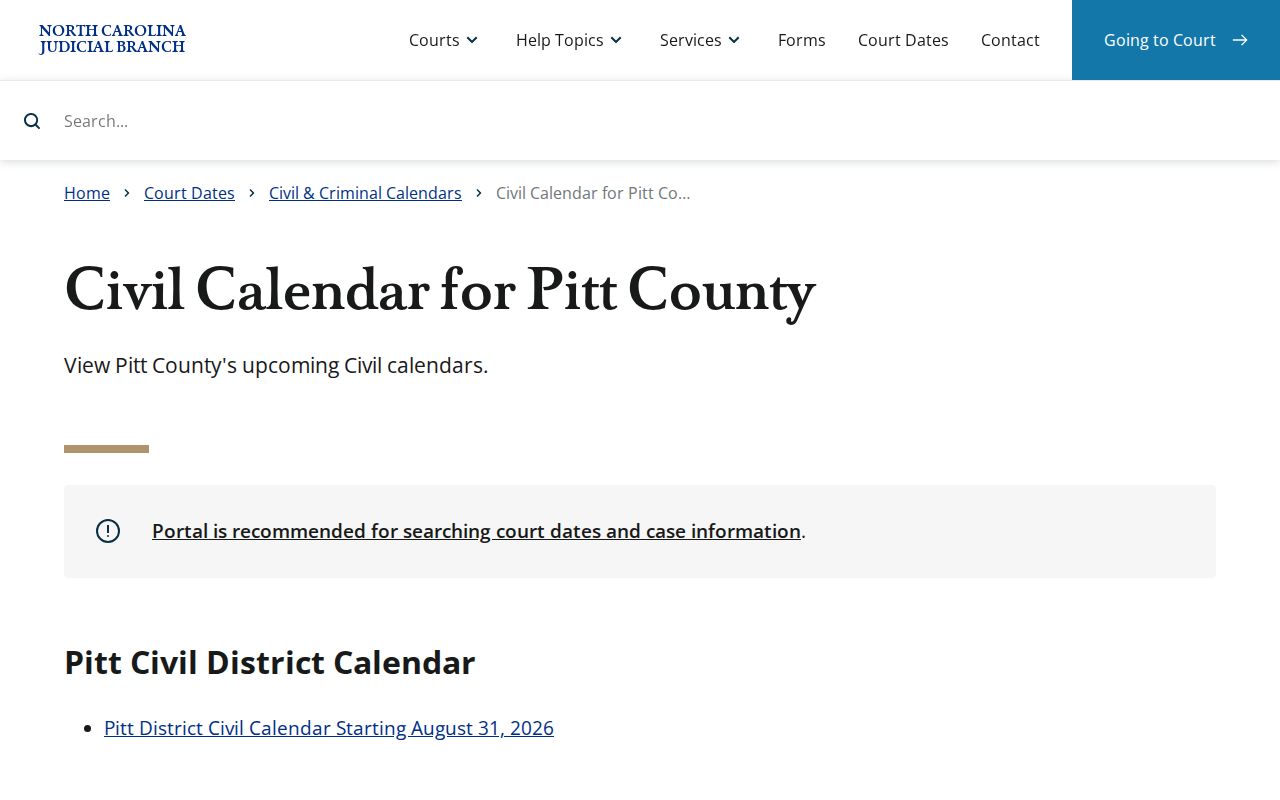
A calendar tells you when and where a matter is set. The Case Summary and court file supply the case history behind that setting.
Pitt County Civil Docket Documents
A Pitt County civil docket is a dated index of activity. It is not every paper behind it. The underlying public file can hold a pleading, notice, order, judgment, exhibit, or other item. Portal may display public documents. Viewing or printing can involve fees. A downloaded image is not a certified record. For an official certified copy or a physical-file inspection, the Pitt Clerk is the local office to contact.
Family Court Administration, at 252-695-7287, is a separate contact for local family-court questions. It does not make every family file public. Restricted, sealed, juvenile, and confidential material keeps its own access rules. Those rules hold even when other civil case information is available through Portal or the Clerk. The Pitt Family Court Administration page identifies that administrative route.
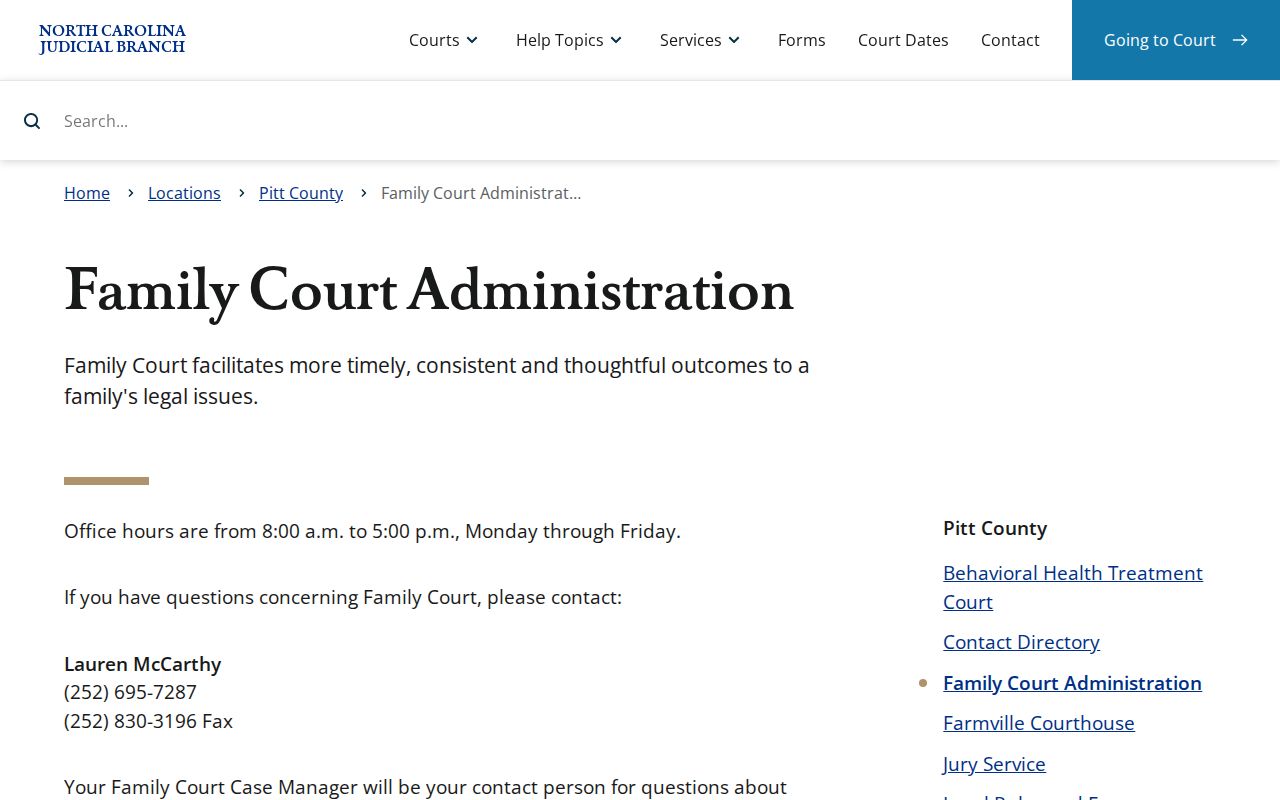
Requesting a public civil document takes three details. Give the case number, the document title or date, and whether a plain or certified copy is required.
Civil Docket Access Rules
Portal offers public-reference access. The Pitt County Clerk is the official trial-court custodian of the court docket. G.S. 7A-109 requires clerks to maintain records, files, dockets, and indexes. The statute also supports public inspection during regular office hours unless law prohibits it. A courthouse kiosk gives another in-person option when a remote docket search comes up short. Some protective-order case types are visible to anonymous users at a kiosk. They are unavailable to anonymous remote users.
Key Rules:
G.S. 7A-109 directs clerks to maintain court records and generally permits public inspection unless another law bars it.
G.S. 132-1 defines public records and states the policy that copies are available free or at minimal cost unless another law applies.
G.S. 132-6.2 permits actual copy cost and, in qualifying cases, a special service charge for extensive assistance.
The statewide NCAOC public-record request form is for administrative records held by NCAOC. It is not for Pitt case documents. A Pitt civil case-file request belongs with the Pitt Clerk. The Pitt County payment information page names mail as a local channel for eligible payments and clerk correspondence. The clerk publishes no copy-request form. Call before mailing a record request. The clerk posts no Pitt-specific public email, fax, drop-box route, or civil-copy processing time either.
Pitt County Civil Docket Copies
For an order, judgment, notice, or other filed paper, locate the case through Portal first. Then ask the Pitt Clerk for the exact document. Say whether you need a plain or certified copy. The published clerk schedule sets copy preparation at $2 for the first page of each document. Each additional page or fraction costs $0.25. A certificate under seal is $3. Exemplification runs $10.
A transcript is not a docket or Clerk copy at all. It comes through the official court-reporter channel rather than ordinary Portal searching. Official court reporters are listed at 252-695-7260. North Carolina eCourts File & Serve is the filing system, not the public civil-docket reader. Portal document fees may apply. The court posts no official Pitt online document price or local civil-copy turnaround time. Confirm the cost and request method with the Clerk at 252-695-7100 before paying or traveling.
A Portal document image can serve as useful public reference. Still, only the Pitt Clerk can issue a certified copy from the county case file.